Peaceful Pleasures Health and Wellness
PTM7950 Silicone Thermal Pad 8.5W/mK – CPU GPU Heat Dissipation
PTM7950 Silicone Thermal Pad 8.5W/mK – CPU GPU Heat Dissipation
Couldn't load pickup availability
PTM7950 Phase-Change Silicone Thermal Pad – 8.5 W/m·K | CPU & GPU Heat Dissipation
Keep your laptop, desktop, or workstation running cool and performing at its peak with this high-performance PTM7950 Phase-Change Thermal Interface Pad. Engineered with an ultra-thin (0.25 mm) silicone phase-change material (PCM), this pad delivers an exceptional thermal conductivity of 8.5 W/m·K and an ultra-low thermal impedance of just 0.04 °C·cm²/W — making it one of the most capable thermal interface solutions available for high-performance CPUs, GPUs, and graphics cards.
Made in Mainland China.
Why Choose the PTM7950 Thermal Pad?
- 🔥 Ultra-High Thermal Conductivity: At 8.5 W/m·K, this pad efficiently transfers heat from your processor or GPU die to the heatsink, helping maintain stable operating temperatures even under heavy workloads.
- ⚡ Phase-Change Technology: Based on a next-generation polymer PCM system, the pad transitions at temperatures within 45 °C to achieve excellent surface wettability and extremely low contact resistance — maximizing heat transfer efficiency.
- 🛡️ Proven Reliability: PTM7950 has passed rigorous reliability testing — including 150 °C baking for 1,000 hours and 1,000 thermal cycling (T/C-B) cycles — while maintaining consistently low thermal impedance for the long haul.
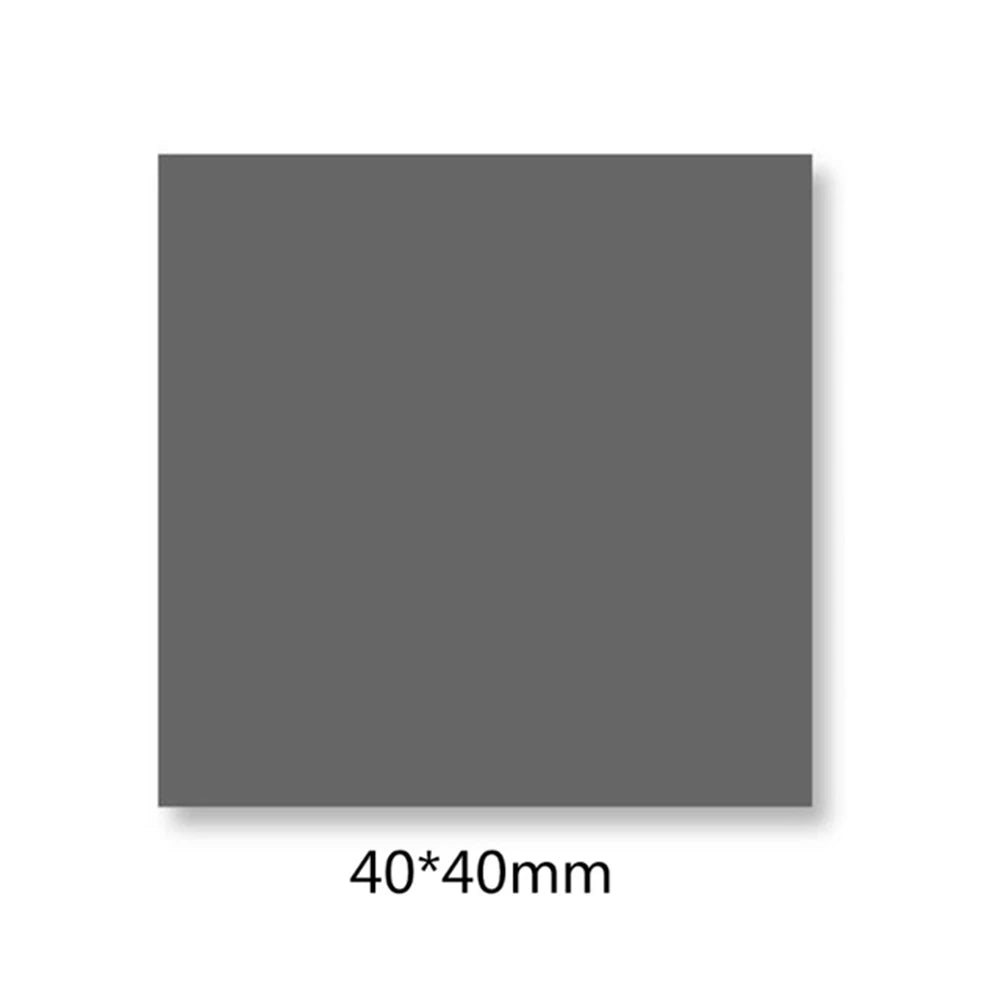
- ✂️ Versatile Sizing Options: Available in multiple sizes (31×40 mm, 40×40 mm, 40×80 mm, 80×80 mm, 80×160 mm) to suit a wide variety of CPUs, GPUs, graphics cards, power supplies, and custom cooling modules.
- 🪶 Lightweight & Easy to Handle: At just 10 g and 0.25 mm thin, this pad is incredibly easy to position and apply without adding bulk to your build.
- 🔧 Beginner-Friendly Application: Each kit includes easy-tear adhesive aids to help you remove the release film cleanly from corners — no mess, no fuss.
Specifications
| Material | Silicone Phase-Change (PCM) |
| Color | Gray |
| Thermal Conductivity | 8.5 W/m·K |
| Thermal Impedance | 0.04 °C·cm²/W |
| Thickness | 0.25 mm |
| Density | 2.8 g/cm³ |
| Phase-Change Temperature | Within 45 °C |
| Available Sizes | 31×40 mm | 40×40 mm | 40×80 mm | 80×80 mm | 80×160 mm |
| Weight | 10 g |
| Storage | Refrigerated |
| Certification | CE |
| Origin | Mainland China |
| Quantity | 1 × PTM7950 Thermal Pad + 4 × Easy-Tear Adhesive Aids |
Compatible With
- Desktop & Laptop CPUs (Intel, AMD, etc.)
- Discrete GPUs & Integrated Graphics Cards
- Power supply units and voltage regulators
- Custom PC builds, NUCs, and mini-ITX systems
- Any heat dissipation module requiring a high-performance thermal interface material
How to Apply
- Thoroughly clean both the chip surface and the heatsink base. Use a lint-free wipe for best results.
- Cut the pad to match the chip size (or slightly smaller) to ensure clean edges with no overhang.
- Peel one side of the release film and position the pad on the heatsink base or chip surface.
- Press firmly with your thumb across the entire pad surface to ensure full adhesion.
- Peel the remaining release film using the included easy-tear adhesive aids, starting from a corner.
- Install and secure the heatsink, then power on your system immediately.
Storage Tip: Store this product refrigerated. If the pad feels too soft at room temperature, refrigerate for ~10 minutes to firm it up before applying — this makes film removal much easier.
Note: This is a phase-change material. Minor edge deformation may occur during air transport due to cabin pressure and temperature changes; this does not affect performance.
Learn More About Thermal Management
For technical background on thermal interface materials and electronic component cooling standards, visit the National Institute of Standards and Technology (NIST) – Thermal Metrology.
You Might Also Like
- "Everything Is Fine" Funny Men's Graphic T-Shirt | Cotton Tee
- "1% Better Every Day" Motivational Canvas Poster | Wall Art
Frequently Asked Questions
Q: What is a phase-change thermal pad and why is it better than regular thermal paste?
A: A phase-change thermal pad (like the PTM7950) is a solid pad at room temperature that transitions to a semi-liquid state at or above its phase-change temperature (within 45 °C for this product). Unlike traditional thermal paste, it's clean and non-messy to apply, doesn't pump out or migrate over time, and offers extremely low thermal impedance (0.04 °C·cm²/W) — ensuring highly efficient heat transfer between your CPU/GPU and its heatsink with minimal contact resistance.
Q: Which size should I choose for my CPU or GPU?
A: Measure your CPU or GPU die (the exposed chip area). You should ideally cut the pad to match the die size exactly, or very slightly smaller, to avoid overhang. If you're applying to the heatsink base instead, choose a size slightly larger than the die for easier alignment. The available sizes — 31×40 mm, 40×40 mm, 40×80 mm, 80×80 mm, and 80×160 mm — cover most mainstream desktop and laptop processors.
Q: Is PTM7950 reusable or re-applicable?
A: PTM7950 can typically be repositioned once during installation, but is not designed for repeated removal and re-application cycles. If you need to reseat your heatsink after first-time use, you may need to apply a fresh pad for optimal performance. The pad's long-term reliability has been validated through 1,000 hours of high-temperature baking and 1,000 thermal cycling tests.
Q: How do I store the PTM7950 thermal pad?
A: Store the pad in a cool, refrigerated environment when not in use. Refrigerated storage prevents the material from becoming too soft and makes the release film easier to remove during application. Avoid prolonged exposure to high ambient temperatures prior to installation.