Oasis Select
PS4 BD-J Boot Disc – Homebrew Payload FW 9.00–12.52
PS4 BD-J Boot Disc – Homebrew Payload FW 9.00–12.52
Couldn't load pickup availability
PS4 BD-J Bootable Disc – Supports Firmware 9.00 to 12.52
Unlock the full homebrew potential of your PlayStation 4 with this professionally mastered BD-J Boot Disc. Designed specifically for PS4 consoles running firmware versions 9.00 through 12.52, this Blu-ray disc lets you launch homebrew payloads (including GoldHen 2.4b18.6) with nothing more than a simple disc insert — no USB sticks, no cables, no extra tools required.
Made in Mainland China.
Key Features
- Broad Firmware Compatibility: Seamlessly supports PS4 firmware versions 9.00–12.52 via the built-in Lapse Player engine.
- Plug-and-Play Setup: Simply insert the disc into your PS4, follow the on-screen steps, and activate the payload — no technical expertise needed.
- Stable & Silent Operation: Engineered for smooth, crash-free sessions without black screens. Minimises stress on your PS4's laser lens for long-term reliability.
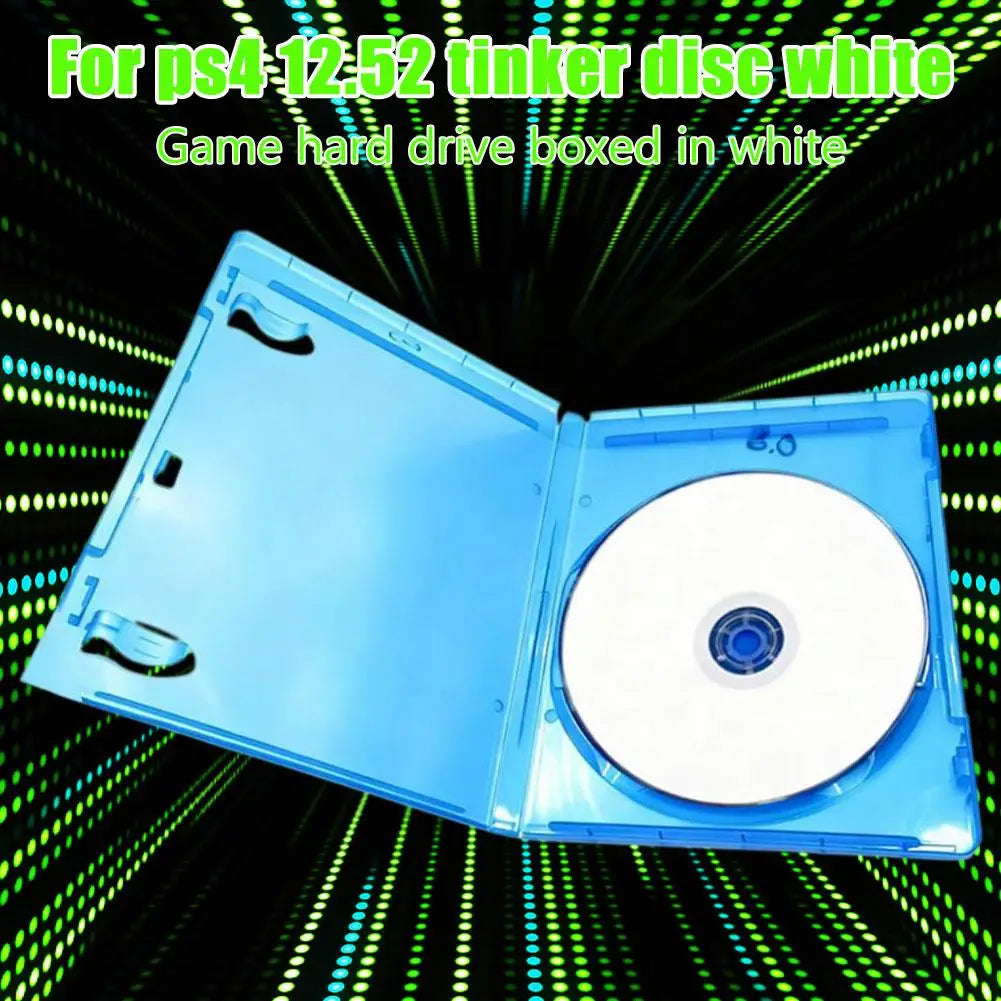
- Premium Blu-ray Disc Quality: Professionally mastered for scratch resistance and data integrity; includes a protective Blu-ray storage case.
- No USB Required: Unlike many alternatives, this disc runs the full payload chain entirely from the optical drive — keeping your setup clean and simple.
- GoldHen Support: Successfully loads GoldHen 2.4b18.6 — one of the most widely used PS4 homebrew enablers.
Product Specifications
- Product Size: 14 × 17 × 1 cm
- Colour: Blue
- Material: ABS (disc case)
- Compatible Model: PlayStation 4 (PS4)
- Firmware Range: 9.00 – 12.52
- USB Required: No
- Country of Origin: Mainland China
How to Use
- Power on your PS4 and insert the BD-J boot disc into the disc drive.
- The disc activates Blu-ray playback automatically — run the BD payload from the media player.
- An image file will be injected. Once complete, press the PS button on your controller to return to the home screen.
- Restart the console, then run the BD disc again.
- When GoldHen 2.4b18.6 appears in the upper-left corner, the process is complete.
Note: Slight colour variations may occur due to display settings and lighting. Minor dimensional tolerances may apply due to manual measurement.
Related Products You May Like
- 1-Channel Relay Module DC 3.3V–24V Optocoupler for Arduino
- 1-Channel HDMI & AV to RF Modulator – PAL/NTSC CATV Hotel
For general consumer electronics information and product safety standards, visit the U.S. Consumer Product Safety Commission (CPSC).
Learn more: Lists of video game consoles
Frequently Asked Questions
Q: Which PS4 firmware versions does this BD-J boot disc support?
A: This bootable Blu-ray disc supports PS4 firmware versions 9.00 through 12.52, including the latest 12.52 firmware. It uses the built-in Lapse Player to ensure reliable compatibility across the supported range.
Q: Do I need a USB drive or any other accessories to use this disc?
A: No. This disc is entirely self-contained — just insert it into your PS4's disc drive. No USB sticks, cables, or additional tools are required for the payload to activate.
Q: Will using this disc damage my PS4's laser lens?
A: The disc is engineered for stable, quiet operation with minimal laser lens usage. It is designed to protect your PS4's optical drive from unnecessary wear and overheating during repeated use.
Q: What homebrew payload does this disc load?
A: This disc successfully launches GoldHen 2.4b18.6, one of the most widely used PS4 homebrew enablers. When GoldHen appears in the upper-left corner of your screen, the process has completed successfully.