Peaceful Pleasures Health and Wellness
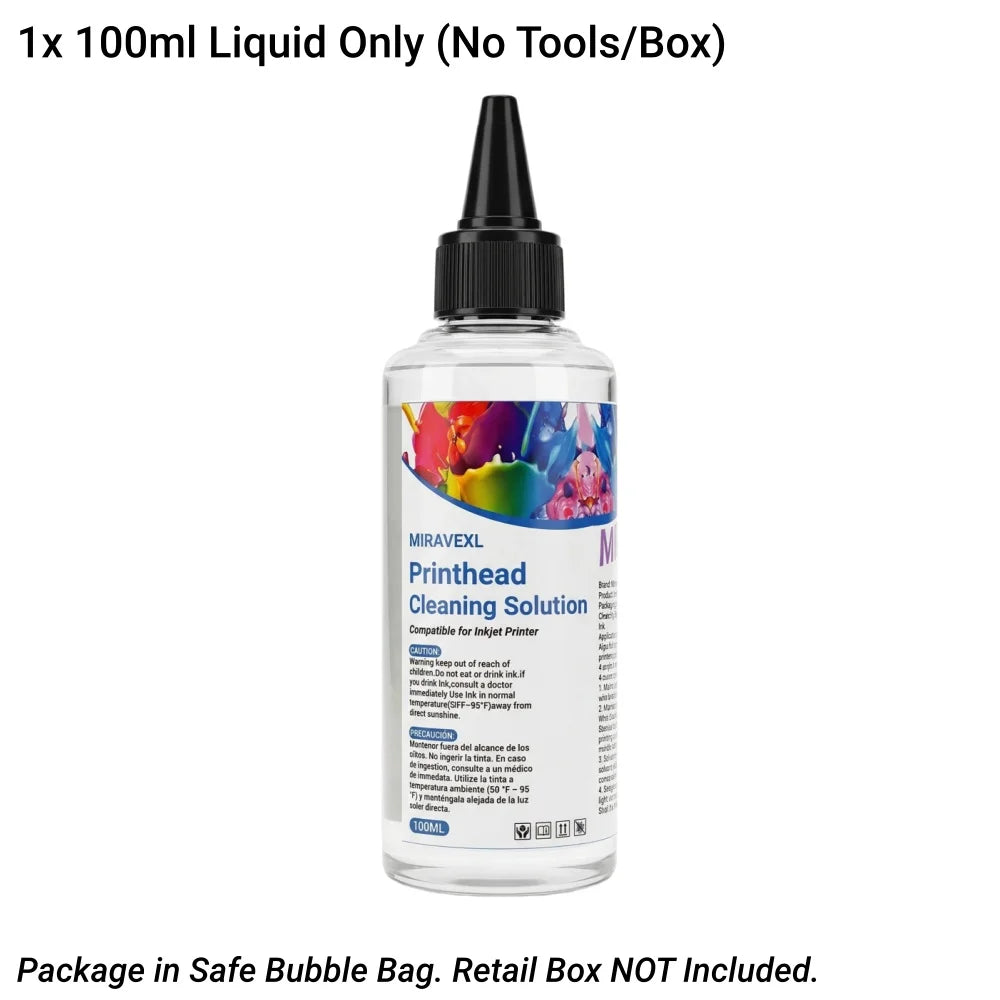
MIRAVEXL 100ml Printhead Cleaning Kit – Inkjet Printer Head Cleaner for HP, Epson, Canon & Brother
MIRAVEXL 100ml Printhead Cleaning Kit – Inkjet Printer Head Cleaner for HP, Epson, Canon & Brother
Couldn't load pickup availability
MIRAVEXL 100ml Printhead Cleaning Kit – Bring Your Printer Back to Life
Stop wasting money on new ink cartridges or expensive repair services. The MIRAVEXL Printhead Cleaning Kit is your ultimate DIY solution to dissolve dried ink and unclog stubborn nozzles in minutes. Whether you’re dealing with blank pages, streaky lines, or faded colors, this powerful yet safe cleaning formula gets your printer printing like new again.
Key Features
- Powerful & Safe Formula: Advanced active enzymes quickly break down dried ink without damaging or corroding your delicate printhead
- All-in-One Professional Tools: Includes a premium 10ml syringe, durable silicone extension tubes, and protective gloves for a mess-free cleaning process (tools included depend on SKU selected)
- Universal Compatibility: Works with Epson, HP, Canon, and Brother inkjet printers; compatible with Dye, Pigment, and Sublimation inks
- 100ml Volume: Generous quantity for multiple cleaning sessions
- Eco-Friendly Packaging: Shipped securely in bubble wrap to protect the product and reduce waste
How to Use
- Turn off the printer and remove the ink cartridges.
- Place a paper towel under the printhead to absorb waste liquid.
- Fill the syringe with MIRAVEXL cleaning solution and connect the tube to the printhead nozzle.
- Gently inject the liquid into the nozzle.
- Wait 1–2 hours (or overnight for severe clogs).
- Reinstall cartridges and run the printer’s self-cleaning cycle.
Pro Tips
- For severe blockages, slightly warm the cleaning solution (do not boil) before use for better results
- Ensure your printer’s mechanical parts and chip are functioning properly — this solution addresses ink blockages only
- Run 2–3 self-cleaning cycles after treatment for best results
Product Details
- Brand: MIRAVEXL
- Volume: 100ml
- Compatible With: HP, Epson, Canon, Brother inkjet printers
- Ink Types: Dye, Pigment, Sublimation
- Free From: High-concern chemicals
Learn More & Related Products
Find more printer maintenance tips at wikiHow or explore our full range of home & office accessories. For printer compatibility guides, visit PCMag.
Warning
Keep out of reach of children. Avoid contact with eyes and skin — wear protective gloves during use. If contact with eyes occurs, rinse immediately with water and seek medical attention. For external/mechanical use only — do not ingest. Store in a cool, dry place away from direct sunlight and heat sources.
FDA Disclaimer: These statements have not been evaluated by the Food and Drug Administration. This product is not intended to diagnose, treat, cure, or prevent any disease.