Oasis Select
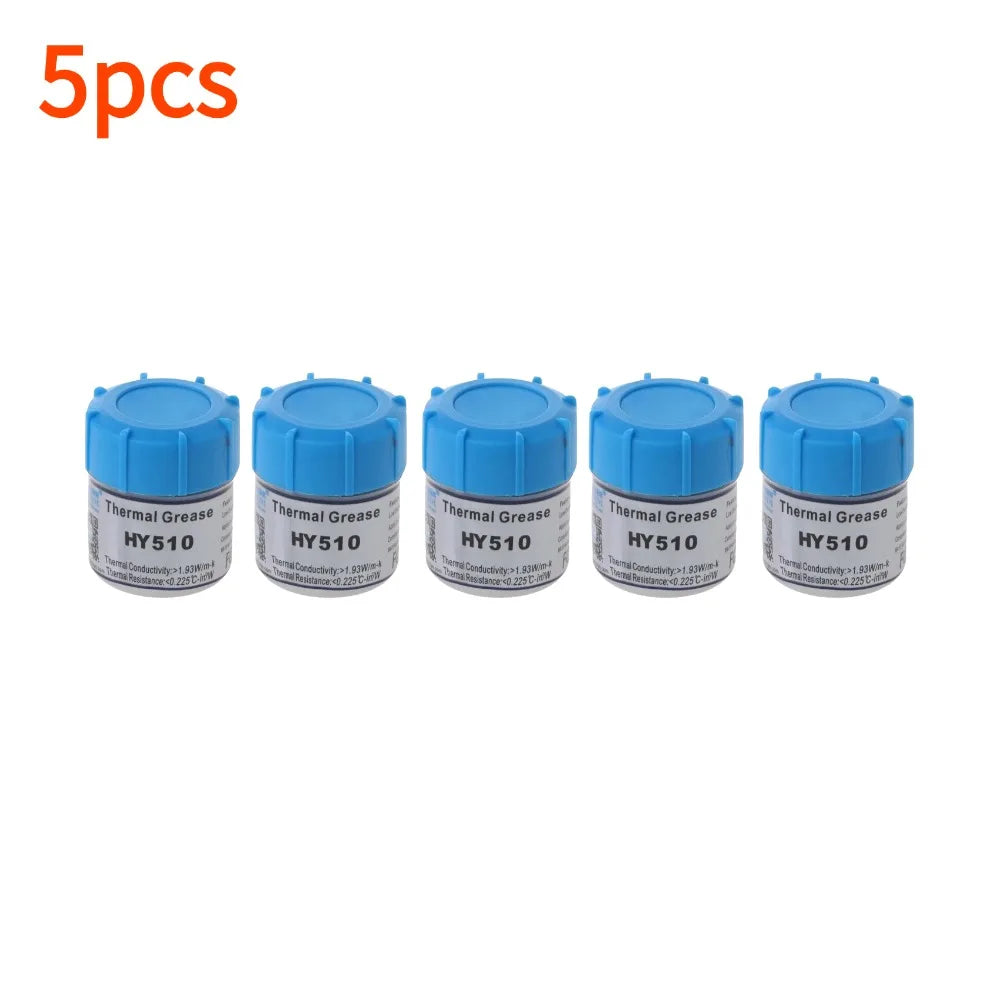
HY510 Thermal Paste 10g – CPU GPU Heatsink Silicone Compound
HY510 Thermal Paste 10g – CPU GPU Heatsink Silicone Compound
Couldn't load pickup availability
HY510 Silicone Thermal Paste – High-Performance CPU & GPU Cooling
Keep your CPU, GPU, and chipsets running cool and stable with HY510 Silicone Thermal Compound. This premium gray thermal paste delivers excellent heat transfer between your processor and heatsink, reducing operating temperatures and extending component lifespan. Whether you're building a gaming rig, upgrading a laptop, or maintaining a workstation, HY510 is the reliable, professional-grade choice trusted by PC builders and technicians worldwide.
Made in Mainland China.
Key Specifications
- Material: Silicone-based compound
- Color: Gray
- Thermal Conductivity: ≥1.93 W/m·K
- Thermal Resistance: 0.225 °C·in²/W
- Viscosity: 1000
- Working Temperature: -50°C to 280°C
- Net Weight: 10g per tube
- Certification: CE, RoHS compliant
Why Choose HY510 Thermal Paste?
- ✅ Low Thermal Resistance – Fills microscopic gaps between heatsink and chip surfaces for maximum heat transfer
- ✅ Wide Temperature Range – Stable performance from -50°C to 280°C, ideal for demanding workloads and overclocking
- ✅ Non-Toxic & Non-Corrosive – Safe to apply; won't damage sensitive PCB components or corrode metal surfaces
- ✅ High Conductivity & Effective Insulation – Optimized for CPUs, GPUs, LED chipsets, VGA cards, and other PC components
- ✅ RoHS Compliant – Meets environmental protection requirements for responsible electronics use
- ✅ Versatile Application – Compatible with desktops, laptops, notebooks, gaming consoles, and industrial electronics
How to Apply
- Clean both the CPU/GPU surface and the heatsink base with isopropyl alcohol and allow to dry.
- Stir the paste well before use (a small amount of silicone oil floating on top is normal).
- Apply a small pea-sized amount to the center of the chip surface.
- Spread evenly using a scraper, syringe applicator, or fingertip (with a finger cot).
- Reattach the heatsink firmly to ensure even coverage.
Storage & Safety
Store at normal room temperature. Always replace the cap tightly after use to prevent dust or debris contamination, which can reduce thermal conductivity. Keep out of reach of children. If accidentally ingested or contact with eyes/ears/nose/mouth occurs, rinse thoroughly with clean water and seek medical attention if necessary.
Compatible With
Intel & AMD CPUs · NVIDIA & AMD GPUs · VGA Cards · LED Chipsets · Laptop/Notebook Processors · Gaming Console Chips · Industrial Electronics
For more information on safe handling of chemical compounds used in electronics, refer to guidance from the U.S. Consumer Product Safety Commission (CPSC).
Related Products You May Like
- 10-Pack 22AWG Glass Tube Fuse Holder 5x20mm & 6x30mm Screw
- 140W USB-C Fast Charger with Auto Power-Off Overcharge Protection
- 100W Dual-Port Car Charger for Starlink Mini – Fast Charging
Learn more: Thermal paste
Frequently Asked Questions
Q: What is HY510 thermal paste used for?
A: HY510 thermal paste is used to fill the microscopic air gaps between a CPU, GPU, or chipset and its heatsink or cooling solution. This improves heat transfer efficiency, keeping your processor cooler during operation and extending the life of your components.
Q: Is HY510 thermal compound safe to use on laptops and notebooks?
A: Yes. HY510 is non-toxic, non-corrosive, and RoHS compliant, making it safe for use on laptop CPUs, GPU chipsets, and other sensitive notebook components. Its wide operating temperature range (-50°C to 280°C) ensures reliable performance even in compact, high-heat laptop environments.
Q: How much thermal paste should I apply to my CPU?
A: A small pea-sized amount placed in the center of the CPU is typically sufficient. When the heatsink is pressed down, the paste will spread to cover the surface evenly. Applying too much can actually reduce performance, so less is more.
Q: How long does HY510 thermal paste last?
A: HY510 thermal paste generally remains effective for 2–5 years under normal operating conditions. It is recommended to replace the thermal paste whenever you remove and reattach a heatsink, or if you notice rising CPU temperatures over time.