Peaceful Pleasures Health and Wellness
Flysky SM100 USB RC Flight Simulator Cable | FS-i6 FS-T6 FMS
Flysky SM100 USB RC Flight Simulator Cable | FS-i6 FS-T6 FMS
Couldn't load pickup availability
Practice RC Flying Risk-Free with the Flysky SM100 USB Simulator Cable
The Flysky SM100 USB RC Flight Simulator Cable is the perfect tool for beginner and experienced RC pilots alike. Simply connect your Flysky transmitter to your PC and start practicing helicopter and airplane maneuvers in a fully simulated environment — no crashes, no repairs, no expensive mistakes. Whether you're learning to hover a helicopter or fine-tuning airplane aerobatics, this cable bridges the gap between your real transmitter and popular simulator software.
Key Features
- Wide Transmitter Compatibility: Works with Flysky FS-i6, FS-i4, FS-TH9X, FS-T6, FS-T4B, FS-GT3, FS-GT3B, FS-GT3C, FS-GT2, FS-GT2F, FS-GT2G, FS-i10, FS-CT68, and more. Note: NOT compatible with SKYFLY TS-i6 transmitters.
- Multi-Software Support: Compatible with Esky, Futaba, JR, FS, and FMS simulator software for a wide range of flying experiences.
- PPM Signal Conversion: Accepts 4–8 channel PPM input and converts it to PC USB HID control signals with precision.
- Plug-and-Play USB: Supports USB HID 1.1 specification — easy setup with Windows (including Windows 10). Note: Not compatible with Mac OS.
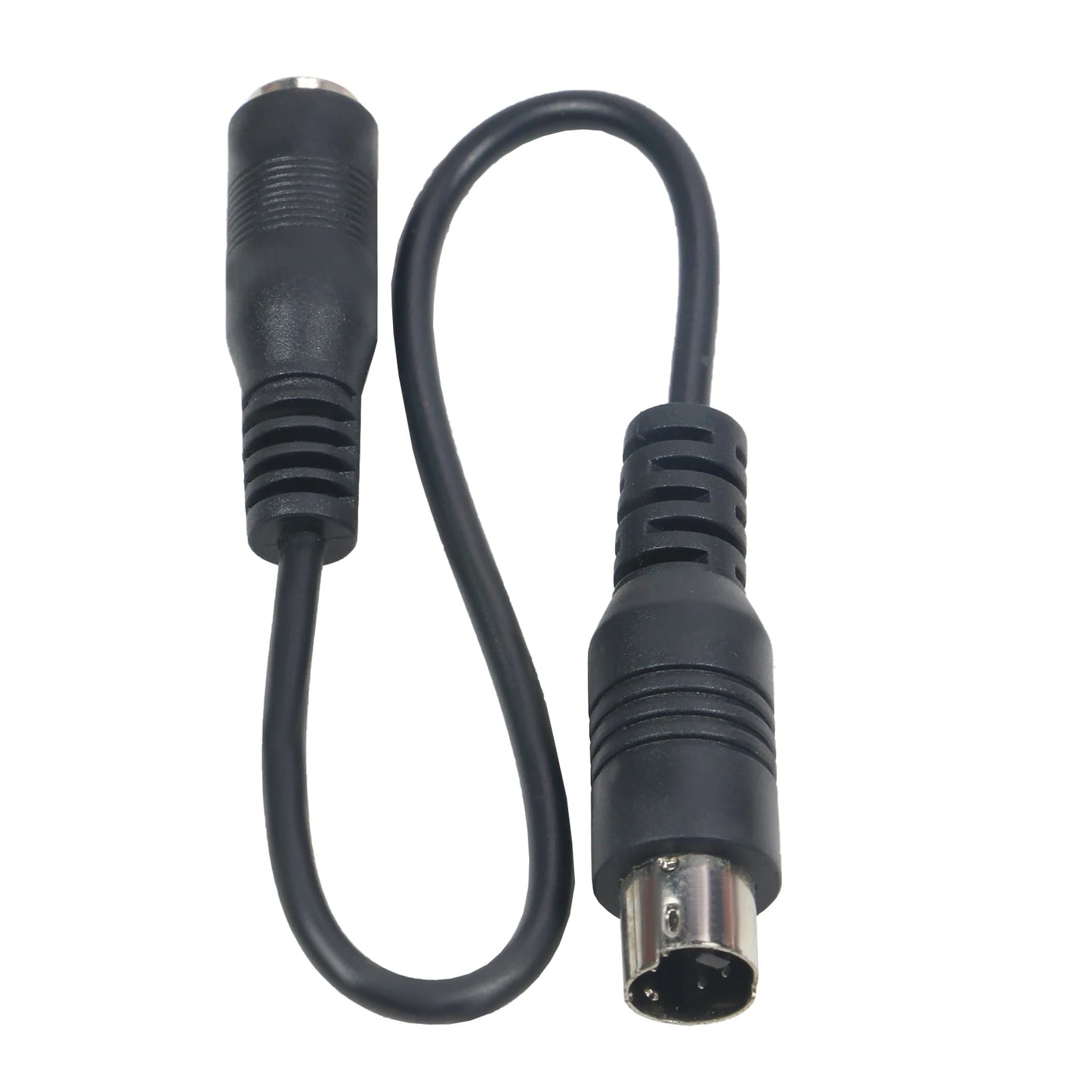
- Dual Adapter Cables Included: Comes with 2 adapter cables for maximum transmitter compatibility right out of the box.
- Generous Cable Length: 1.5M (approx. 5 ft) cable for comfortable use at your desk.
- Lightweight & Portable: Net weight of just 87g — easy to pack in your RC gear bag.
Specifications
- Model: FS-SM100
- Input: 4–8 channel PPM signal
- USB Standard: HID 1.1
- Cable Length: 1.5M
- Net Weight: 87g | Gross Weight: 97g
- Material: Polyester
- Recommended Age: 14+
- OS Support: Windows 98 / 2000 / NT / XP / 7 / 10
- Country of Origin: Made in Mainland China
System Requirements
- OS: Windows 98/2000/NT/XP or later (including Win10)
- Intel Pentium 600MHz or above
- 32MB AGP 3D Graphics Card
- 128MB RAM
- 10GB HDD or above
- 52X CD-ROM
What's in the Box
- 1 × USB Simulator Cable (SM100)
- 2 × Adapter Cables
Important: Please download and install the required driver before first use. Driver download instructions are included with the product.
Explore More RC & Hobby Accessories
Looking for more cables and accessories for your setup? Check out our 1 to 5 SATA Power Splitter Cable 18AWG | HDD SSD Extension or upgrade your display connections with our 1.8M DisplayPort to HDMI Cable 4K DP Adapter. For more hobby inspiration, visit the U.S. Consumer Product Safety Commission RC Toy Safety Guide.
Learn more: Robar RC-50
Frequently Asked Questions
Q: Which Flysky transmitters are compatible with the SM100 USB simulator cable?
A: The Flysky SM100 works with a wide range of Flysky transmitters including the FS-i6, FS-i4, FS-i10, FS-TH9X, FS-T6, FS-T4B, FS-CT68, FS-GT3, FS-GT3B, FS-GT3C, FS-GT2, FS-GT2F, and FS-GT2G. Please note it is NOT compatible with the SKYFLY TS-i6 transmitter.
Q: What RC simulator software does the SM100 support?
A: The SM100 USB simulator cable supports Esky, Futaba, JR, FS, and FMS simulator software, giving you a broad selection of RC flight simulation programs to practice with. Simply connect your compatible transmitter to your PC via USB and launch your chosen simulator software.
Q: Does the Flysky SM100 work on Mac computers?
A: No — the SM100 is designed for Windows operating systems only (including Windows 10). It is not compatible with Mac OS. Please ensure you are running a supported version of Windows before purchasing.
Q: Do I need to install a driver before using the SM100?
A: Yes. You must download and install the required driver before using the SM100 simulator cable for the first time. Driver installation instructions are included with the package. Without the driver, the cable may not be recognized by your PC.