Peaceful Pleasures Health and Wellness
PC Desktop Power & Reset Switch Cable | ATX Motherboard Connector
PC Desktop Power & Reset Switch Cable | ATX Motherboard Connector
Couldn't load pickup availability
Fix Your PC Power & Reset Buttons in Minutes
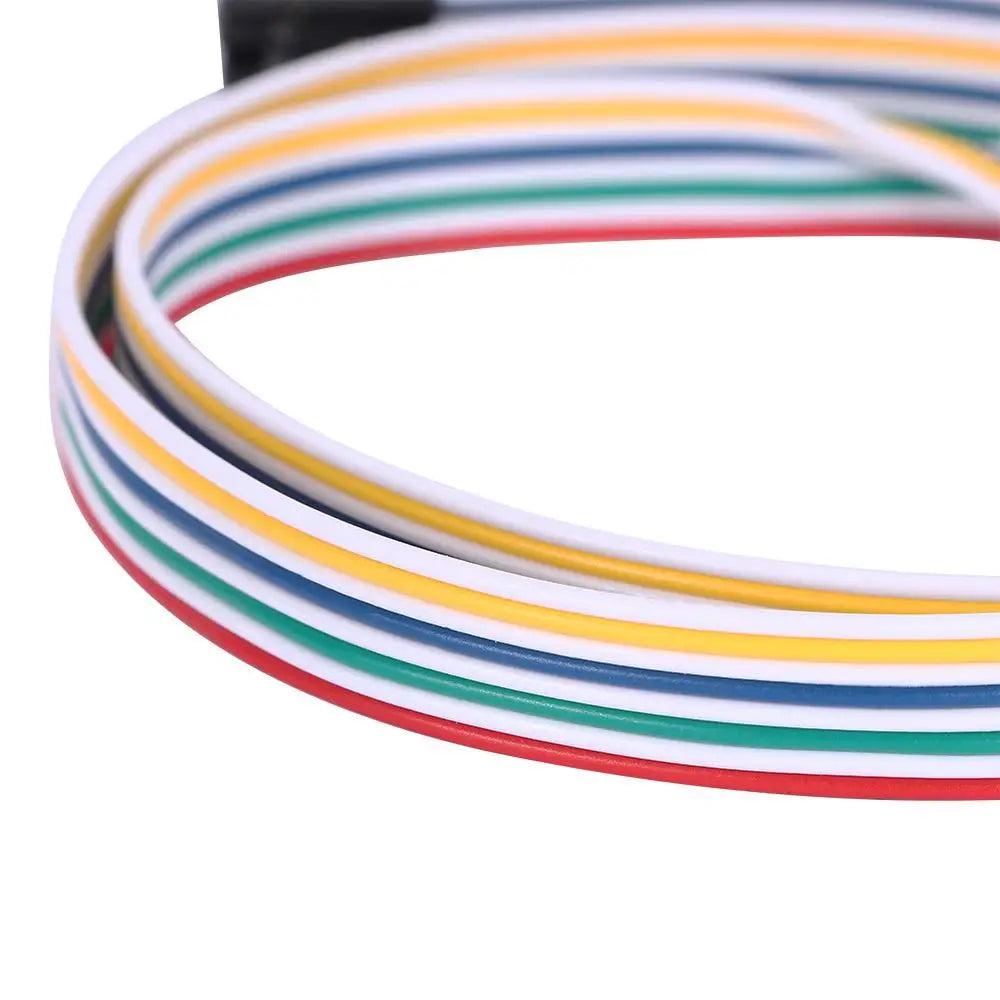
Is your computer's power or reset button acting up? This PC Desktop Power & Reset Switch Cable is the simple, affordable fix you need. Designed for ATX architecture desktops, this 65cm switch cable connects your chassis panel's POWER and RESET buttons directly to your motherboard — restoring reliable startup and restart functionality in no time.
Whether your chassis buttons have worn out over years of use or you're building a custom PC setup, this switch cable offers a quick plug-and-play solution with no tools required.
Key Features
- Compatible with ATX Motherboards – Works with standard POWER switch and RESET restart switch pins on any ATX architecture desktop.
- LED Light Indicator – Built-in light on the power switch wire so you can easily confirm connectivity.
- 65cm Length – Generous cable length (~65cm) gives you plenty of reach inside your PC case.
- Durable Plastic Construction – Sturdy, long-lasting plastic connectors built to withstand everyday use.
- Easy to Install – Simply plug the POWER terminal into the motherboard's POWER pin, then connect the switch to your chassis panel.
- Touch Switch Design – Responsive tactile switch suitable for both POWER on and RESET restart functions.
Specifications
- Type: Switch Cable (Power & Reset)
- Cable Length: Approximately 65cm
- Material: Plastic
- Compatibility: ATX desktop motherboards (POWER switch & RESET switch)
- Package Contents: 1 × Switch Cable
- Country of Origin: Made in Mainland China
How to Install
- Locate the POWER and RESET pin headers on your ATX motherboard (refer to your motherboard manual).
- Insert the POWER terminal connector into the corresponding POWER pin on the motherboard.
- Connect the other end of the switch to your chassis front panel.
- Power on your PC — it's that simple!
Important Notes
- Please allow ±1–3mm measurement variance due to manual measurement.
- Colors may vary slightly from product images due to different display settings.
Related Products You May Like
- 1-In-2-Out HDMI Splitter Cable 1080P 3D – TV Monitor Projector
- 1.8M DisplayPort to HDMI Cable 4K DP Adapter – PC TV Monitor
For more information on PC hardware safety and best practices, visit the U.S. Consumer Product Safety Commission (CPSC).
Learn more: List of companies of Taiwan
Frequently Asked Questions
Q: What motherboards is this PC power and reset switch cable compatible with?
A: This switch cable is designed for ATX architecture desktop computers. It works with the standard POWER and RESET pin headers found on the vast majority of ATX motherboards. Always check your motherboard manual to confirm pin layout before connecting.
Q: Can this cable fix a broken power or reset button on my PC case?
A: Yes! If your existing chassis power or reset button has stopped working due to wear or damage, this replacement switch cable bypasses the faulty button entirely. Simply connect it to your motherboard's POWER/RESET pins and route the touch switch to an accessible location on your chassis panel.
Q: How long is the switch cable, and will it fit inside my PC case?
A: The cable is approximately 65cm (about 25.6 inches) in length, which is sufficient for most standard mid-tower and full-tower ATX desktop cases. Please allow ±1–3mm variance due to manual measurement.