Peaceful Pleasures Health and Wellness
8-in-1 USB-C Hub & M.2 SSD Enclosure | 4K HDMI, PD 100W, RJ45
8-in-1 USB-C Hub & M.2 SSD Enclosure | 4K HDMI, PD 100W, RJ45
Couldn't load pickup availability
8-in-1 USB-C Hub with M.2 SSD Enclosure — Your All-in-One Connectivity Solution
Tired of juggling a dozen adapters and dongles just to get your laptop connected? The Gopala 8-in-1 USB-C Hub with M.2 SSD Enclosure packs everything you need into a single, sleek device. Whether you're a creative professional, remote worker, or power user, this hub transforms any USB-C laptop into a fully connected workstation — no driver installation required.
Made in Mainland China.
Everything You Need in One Hub
- M.2 SSD Enclosure (NVMe & SATA): Expand your storage instantly by plugging in any M.2 NVMe or SATA SSD. Access your files at blazing-fast 10Gbps speeds — perfect for large video projects, backups, and more.
- 4K HDMI Output: Mirror or extend your display with crisp 4K HD clarity. Ideal for video editing, presentations, streaming, and video calls on an external monitor or TV.
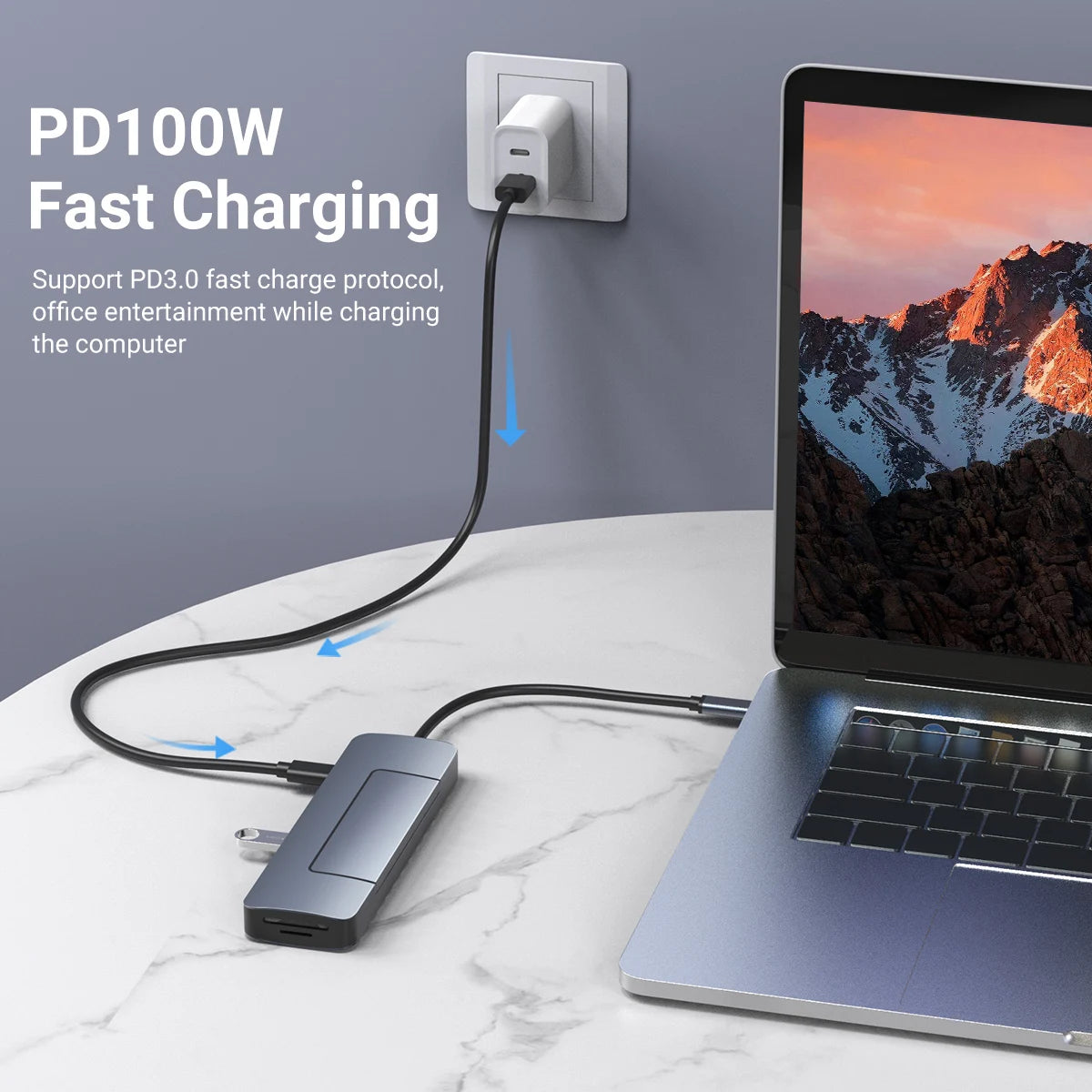
- PD 100W Power Delivery: Keep your laptop fully charged while using all ports simultaneously. The dedicated 100W PD charging port ensures stable, fast power delivery without slowing down your workflow. (Note: PD port is for charging only, not data transfer.)
- USB 3.0 Port: Connect external hard drives, flash drives, keyboards, and more at high-speed USB 3.0 transfer rates.
- USB-C 3.0 Data Port: A dedicated 10Gbps USB-C port for fast data transfer to compatible devices. (Note: This port is for data transfer only, not charging.)
- RJ45 Gigabit Ethernet (1000Mbps): Ditch the unreliable Wi-Fi and enjoy a rock-solid wired internet connection — essential for video conferencing, gaming, and large file transfers.
- SD & TF Card Reader: Quickly offload photos and videos from your camera or drone directly to your laptop without any extra adapters.
Wide Compatibility
Works seamlessly with any laptop or tablet featuring a USB-C 3.1 or higher interface, including:
- MacBook Pro & MacBook Air
- iPad Pro
- Samsung Galaxy Note 10 / S10 and later
- Dell XPS Series
- Chromebooks
- HP, Lenovo, ASUS, and other USB-C equipped laptops
⚠️ Important: Please ensure your laptop supports USB-C 3.1 or higher. Do not use a USB-C to USB-A adapter to connect this hub. When reading large-capacity portable hard drives, connect PD charging for best performance. Refer to the user manual for correct SSD installation.
Certified for Safety & Quality
This hub is CE, FCC, and RoHS certified, meaning it meets strict safety and environmental standards. No harmful substances, no compromises.
Plug & Play — No Drivers Needed
Simply plug the hub into your laptop's USB-C port and you're ready to go. No software, no drivers, no complicated setup. It just works.
Related Products You May Like
- 1 to 5 SATA Power Splitter Cable 18AWG | HDD SSD Extension
- 1-In-2-Out HDMI Splitter Cable 1080P 3D – TV Monitor Projector
- 1.8M DisplayPort to HDMI Cable 4K DP Adapter – PC TV Monitor
Learn More About USB Standards
For a deeper understanding of USB-C and high-speed data transfer standards, visit the National Institute of Standards and Technology (NIST), which provides resources on connectivity and technology standards.
Learn more: USB hub
Frequently Asked Questions
Q: Is the Gopala 8-in-1 USB-C Hub compatible with my MacBook Pro or MacBook Air?
A: Yes! This USB-C hub is fully compatible with MacBook Pro and MacBook Air, as well as iPad Pro, Samsung Galaxy devices, Dell XPS, Chromebooks, and any laptop or tablet with a USB-C 3.1 or higher interface. Simply plug it in and it's ready to use — no drivers required.
Q: Can I use the PD 100W port to charge my laptop and transfer data at the same time?
A: The 100W PD port is dedicated to fast charging only and does not support data transfer. For data transfer, use the separate USB-C 3.0 data port (up to 10Gbps). This design ensures stable power delivery and maximum data performance simultaneously.
Q: What type of M.2 SSD is compatible with the built-in enclosure?
A: The M.2 SSD enclosure supports both NVMe (PCIe) and SATA protocol M.2 SSDs. This gives you flexibility to use a wide range of M.2 drives. Please refer to the included user manual for correct SSD installation and securing the SSD cover.
Q: Does the 4K HDMI output support both mirroring and extending the display?
A: Yes, the 4K HDMI port supports both display mirroring and extended desktop modes, letting you enjoy crisp 4K HD visuals on an external monitor or TV. This makes it ideal for video editing, presentations, and multimedia streaming.